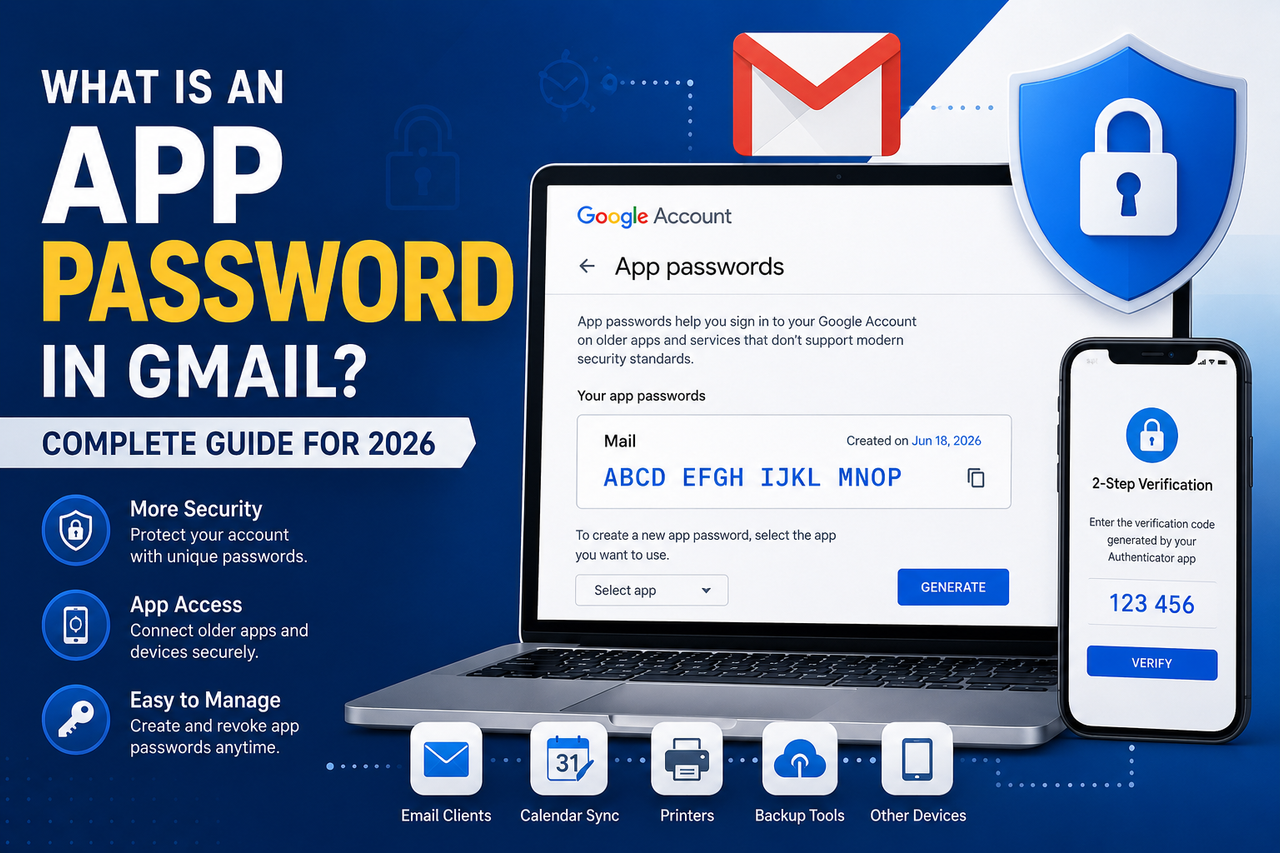
What Is an App Password in Gmail? Complete Guide for 2026
A Gmail App Password is a unique 16-character code that lets you securely connect older applications and devices to your Google account without sharing your primary password. Learn how App Passwords work, when to use them, and how to create them safely in 2026.
What Is an App Password in Gmail? Complete Guide for 2026
Published: June 18, 2026
Updated: June 18, 2026
Category: Gmail Security
Reading Time: 8 Minutes
What Is an App Password in Gmail?
As online security standards continue to improve, many applications and devices no longer support signing in with only a Gmail username and password.
To solve this problem, Google introduced App Passwords, allowing users to securely connect certain applications and devices to their Google accounts without exposing their primary password.
This guide explains what Gmail App Passwords are, how they work, when they should be used, and how to create them safely in 2026.
At AccsRush, we regularly publish educational articles covering Gmail security, online privacy, authentication methods, and account protection.
What Is a Gmail App Password?
A Gmail App Password is a unique 16-character code generated by Google.
Instead of entering your regular Gmail password into an older application or device, you use this temporary password.
App Passwords provide access only to a specific application and can be revoked at any time.
Google created this feature to improve security while maintaining compatibility with applications that do not support modern authentication technologies.
Why Does Google Use App Passwords?
Google encourages users to enable Two-Factor Authentication (2FA) to strengthen account security.
Once 2FA is enabled, some third-party applications may no longer support standard login methods.
App Passwords help bridge this gap.
Common examples include:
Desktop email clients
Legacy mobile applications
Printers with email functionality
Backup software
Calendar synchronization tools
Related Article:
👉 https://accsrush.com/blog/what-is-2fa-guide-2026/
How Do App Passwords Work?
Instead of sharing your primary password with an application, Google generates a dedicated password specifically for that app.
For example:
Normal Login
Email: example@gmail.com
Password: MyStrongPassword123
App Password Login
Email: example@gmail.com
App Password: abcd efgh ijkl mnop
If the application is compromised, you can revoke the App Password without changing your primary Gmail password.
Requirements for Creating an App Password
Before App Passwords become available, your Google account must meet certain requirements.
Two-Factor Authentication Must Be Enabled
Google only allows App Password generation after 2FA is activated.
Learn more:
👉 https://accsrush.com/blog/what-is-2fa-guide-2026/
Personal Google Accounts Only
Some organizational or managed Google Workspace accounts may restrict App Password usage.
Supported Devices and Applications
App Passwords are commonly used with:
• Microsoft Outlook
• Mozilla Thunderbird
• Apple Mail
• Older Android devices
• Email backup software
How to Create an App Password in Gmail
Step 1 — Open Google Account Settings
Visit:
Step 2 — Open Security Settings
Navigate to:
Security → Signing in to Google
Step 3 — Select App Passwords
Choose App Passwords.
Google may ask you to verify your identity.
Step 4 — Choose Application Type
Examples include:
Calendar
Contacts
Custom Name
Step 5 — Generate Password
Google will display a unique 16-character password.
Copy and store it securely.
Step 6 — Configure Your Application
Paste the generated password into your email client instead of your regular Gmail password.
Benefits of Using App Passwords
Improved Security
Your primary password remains hidden.
Easy Revocation
You can remove App Passwords individually.
Better Compatibility
Older applications can continue functioning without compromising account security.
Reduced Exposure
Applications never gain access to your actual Google password.
Best Practices for Using App Passwords
Never Share App Passwords
Treat them like regular passwords.
Delete Unused Passwords
Regularly review your Google Account settings.
Remove passwords you no longer use.
Keep Two-Factor Authentication Enabled
Disabling 2FA automatically removes access to App Passwords.
Monitor Login Activity
Check account activity periodically.
Related Guide:
👉 https://accsrush.com/blog/usa-2014-gmail-accounts-with-2fa-features-benefits-security-guide/
Common Problems with App Passwords
App Password Option Not Visible
Possible reasons:
• Two-Factor Authentication is disabled
• Google Workspace administrator restrictions
• Advanced Protection enabled
Password Not Working
Verify that:
• The application supports App Passwords
• No spaces were copied accidentally
• IMAP is enabled if using email clients
Recommended article:
👉 https://accsrush.com/blog/pop3-vs-imap-explained/
Frequently Asked Questions
Is an App Password safer than my normal password?
Yes.
App Passwords prevent applications from storing your primary Gmail credentials.
Can I create multiple App Passwords?
Yes.
Google allows users to generate multiple passwords for different applications.
Do App Passwords expire?
No.
They remain active until manually revoked.
Does Google still support App Passwords in 2026?
Yes.
Google continues supporting App Passwords for compatible applications and devices.
Final Thoughts
App Passwords remain a practical solution for connecting Gmail with older applications while maintaining strong security standards.
When combined with Two-Factor Authentication, App Passwords help reduce the risk of exposing your primary Google password.
Using strong passwords, monitoring account activity, and regularly reviewing connected applications are all important steps toward maintaining a secure Google account.
Explore More Security Guides
Visit https://accsrush.com to discover additional educational resources about Gmail security, account recovery, authentication methods, and online privacy.
Written By
AccsRush Editorial Team
AccsRush publishes educational content focused on Gmail security, account recovery, online privacy, and digital identity management.