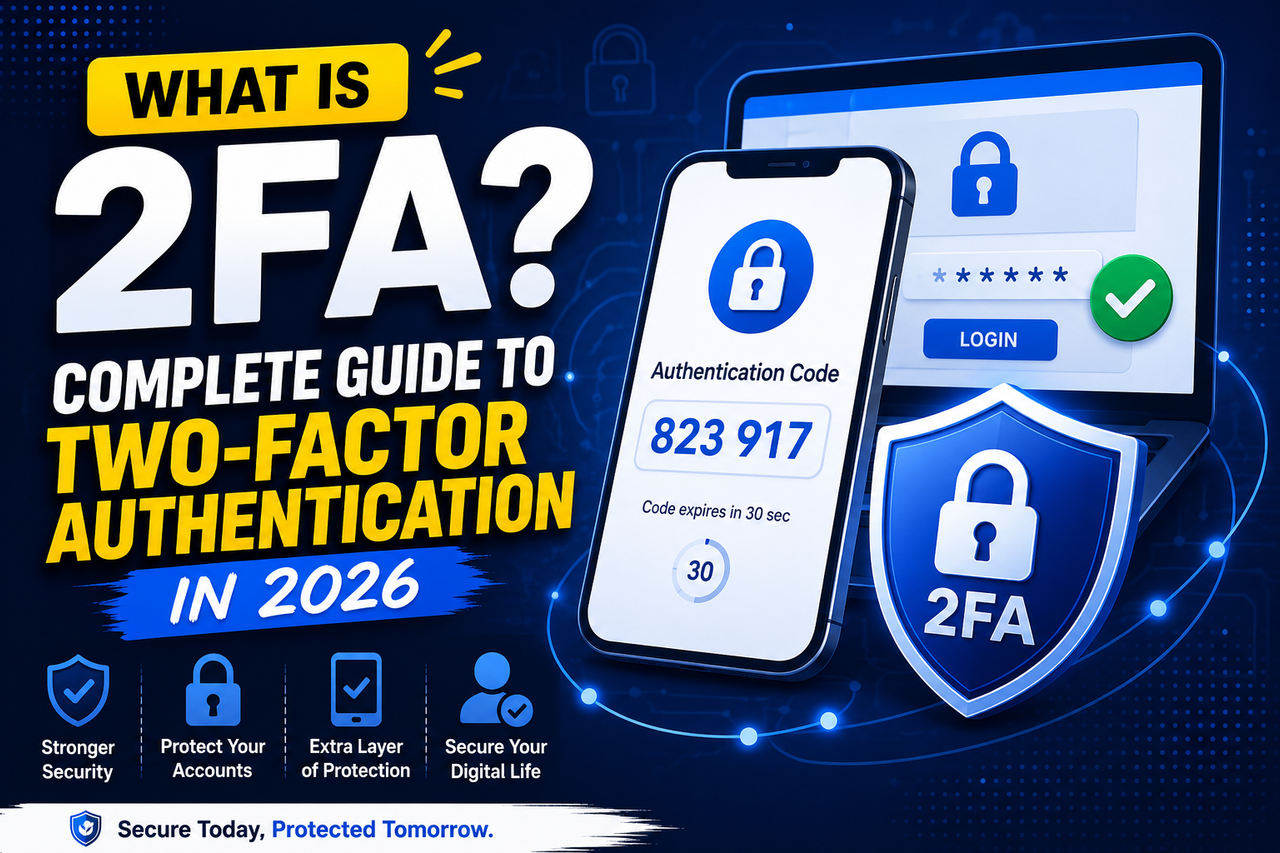
What Is Two-Factor Authentication (2FA) and Why Is It Important in 2026?
Two-Factor Authentication (2FA) adds an extra layer of protection to online accounts by requiring a second verification step. Learn how 2FA works, explore common authentication methods, and discover why it remains essential for account security in 2026.
What Is 2FA? Complete Guide to Two-Factor Authentication in 2026
Published: June 18, 2026
Updated: June 18, 2026
Category: Email Security
Reading Time: 7 Minutes
What Is 2FA? Complete Guide to Two-Factor Authentication in 2026
Cybersecurity threats continue to increase every year, making account protection more important than ever.
One of the simplest and most effective ways to secure online accounts is by enabling Two-Factor Authentication, commonly known as 2FA.
Whether you use Gmail, social media platforms, cloud storage, or business applications, 2FA provides an additional layer of security that can help prevent unauthorized access.
At AccsRush, we regularly publish educational resources covering account security, privacy, and digital identity management to help users understand modern security practices.
What Is Two-Factor Authentication?
Two-Factor Authentication (2FA) is a security process that requires users to verify their identity using two separate factors before accessing an account.
Authentication factors generally fall into three categories.
Something You Know
Examples include:
• Passwords
• PIN numbers
• Security questions
Something You Have
Examples include:
• Smartphones
• Security keys
• Authentication applications
Something You Are
Examples include:
• Fingerprint scans
• Facial recognition
• Biometric identification
Most websites use a combination of a password and a temporary verification code.
How Does 2FA Work?
A standard login process with 2FA enabled follows these steps.
Step 1 — Enter Your Email Address
Users provide their registered email address.
Step 2 — Enter Password
Users input their password.
Step 3 — Receive Verification Code
A temporary code is generated by an authentication application or sent to a trusted device.
Step 4 — Confirm Identity
Users enter the verification code.
Step 5 — Access Account
After successful verification, access is granted.
Even if someone discovers your password, they cannot access your account without completing the second verification step.
Popular Types of 2FA
Authentication Applications
Authentication apps generate one-time passwords that refresh every 30 seconds.
Popular examples include:
• Google Authenticator
• Microsoft Authenticator
• Authy
External Resource:
https://support.google.com/accounts/answer/1066447
SMS Verification
A code is sent through text message.
Although widely used, SMS authentication is generally considered less secure due to SIM-swap attacks.
Hardware Security Keys
Security keys provide one of the strongest forms of protection.
These physical devices must be connected before access is granted.
Benefits of Two-Factor Authentication
Protection Against Phishing
Even if an attacker steals your password, they still need the second verification factor.
Improved Account Security
2FA significantly reduces the risk of unauthorized access.
Better Recovery Options
Users who securely store backup codes often find it easier to regain access to their accounts.
You may also like:
👉 /blog/what-is-a-recovery-email-and-why-is-it-important/
Compliance Requirements
Many businesses now require Multi-Factor Authentication to comply with cybersecurity standards.
Authentication Apps vs SMS Verification
FeatureAuthentication AppSMSSecurityHighMediumOffline AccessYesNoSIM Swap RiskNoYesSetup DifficultyEasyVery Easy
Best Practices for Using 2FA
Use Strong Passwords
Never reuse passwords across multiple websites.
Store Backup Codes Securely
Backup codes should be saved in a secure location.
Keep Recovery Information Updated
Maintaining a current recovery email and phone number helps simplify account recovery.
Read More:
👉 /blog/how-to-secure-your-google-account-2026/
Monitor Account Activity
Regularly review connected devices and login history.
Related Articles
You may find these guides helpful.
👉 /blog/usa-2014-gmail-accounts-with-2fa-features-benefits-security-guide/
👉 /blog/what-is-an-app-password-in-gmail/
👉 /blog/pop3-vs-imap-explained/
👉 /blog/common-reasons-google-accounts-get-locked/
Frequently Asked Questions
Is 2FA necessary?
Yes.
Two-Factor Authentication is one of the most effective methods for protecting online accounts.
Can I enable 2FA on Gmail?
Yes.
Google allows users to enable 2FA through Account Security Settings.
Which is safer, SMS or an authenticator app?
Authentication applications are generally considered more secure.
Can I lose access to my account if I lose my phone?
Yes.
That is why saving backup codes and keeping recovery information updated is strongly recommended.
Final Thoughts
Two-Factor Authentication has become an essential security feature in 2026.
Whether you manage personal email accounts, business tools, or cloud applications, enabling 2FA is one of the simplest steps you can take to improve account security.
Strong passwords, backup codes, updated recovery information, and authentication applications work together to provide long-term protection against cyber threats.
Written By
AccsRush Editorial Team
AccsRush publishes educational content related to account security, email protection, online privacy, and identity management.